

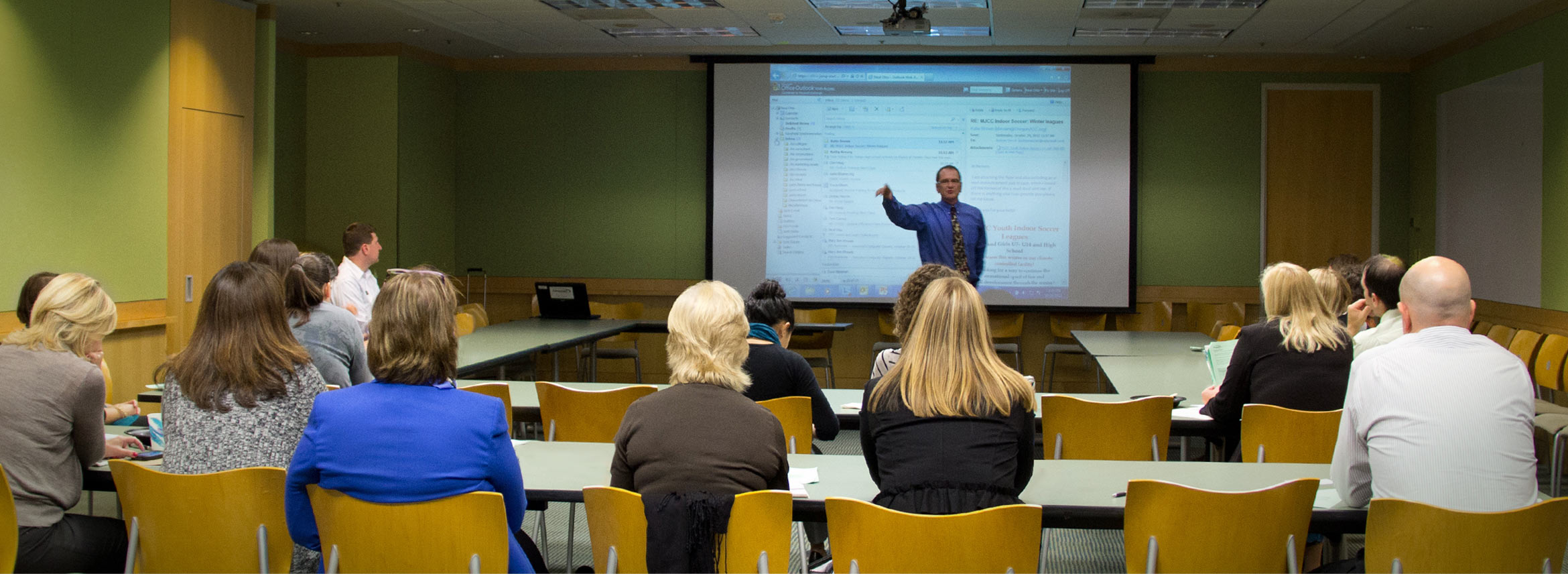
Custom Technology Training
Whether a half-day on-site training or recorded video training, Jump-start is ready to help your team get going. We’ll assist with developing a custom training program that will help your team be more efficient and more effective. Browse below to see how Jump-start can help a variety of departments and industries.
Ways to Train
In-person
Live Webinar
Recorded Video
I have attended Neal’s trainings and also recommended him to various clients looking for Microsoft efficiency training. I always get glowing reviews from those I refer Neal to, and honestly believe his training is a “must have.”
For Human Resources
I hired Neal to come in and train my employees on Outlook shortcuts. He promised to save me 10 minutes a day. I truly believe Neal has given me an additional 30 minutes a day after learning the short cuts that I had never learned in other Outlook training classes. He is an outstanding and PATIENT teacher and trainer. My staff was completely engaged, and are all so happy to have 30 minutes more to do their work each day! Thank you, Neal!
Increase Performance
According to a study by the Radicati Group in 2015, the average corporate employee sends and receives a total of 126 emails per day. Workers spend an average of 2.6 hours per day checking and sending email, yet most employees have not received any training in email programs like Outlook. If employees receive training from Jump-start in Microsoft Outlook and other office tools will they become more productive? Yes!
Reduce Costs
As staff productivity increases, more work is completed and fewer full-time employees are required. According to the 2012 Allied Workforce Mobility Survey of 500 HR professionals, simply filling one full-time position costs an average of $10,731.
Increase Retention
With improved skills, employees feel more competent and able to perform their job. A content employee is more likely to be productive, stay at their job, and speak highly of their employer.
Training Topic Examples:
For IT
Cultivate Competence
As an IT professional, you answer a lot of questions, but new programs or updates can bring a barrage of questions from end-users. With Jump-Start Training, we can help identify what content should be covered to best serve you and the end-user. A competent user is a confident one.
Save Time and Resources
We can teach users how to streamline workflow and procedures to save both time and resources. Are there several copies of the same document on a server or cloud network that’s wasting time and space? Let us put together a custom plan for your team that fixes workflow and resource issues.
Smooth Transitions
Updates. New Programs. New Processes. All of these changes can cause end-users to cringe. Jump-start can universally teach your users what’s new without upsetting your schedule. We can conduct trainings in-person, via webinar, or through recorded video that end-users can watch again and again. For in-person training and webinars, we provide takeaway materials that can be referenced and learned over time. A smooth transition to a new program or update creates a copacetic work environment and prevents user apprehension.
This summer we moved our organization to Office 365 and began using Outlook on a daily basis. Neal was fantastic–he connected with new, intimidated users, but also gave some ‘power shortcuts’ to the people that could use them. We will bring Neal back on a periodic basis for ongoing training–just to make sure we are getting the most out of our technology. We are a small shop with 10 users, so we don’t have a huge training budget, but Neal’s training was a great investment for our company–highly recommended!
For MSPs/CSPs
Neal has worked with our staff to improve their Outlook skills and time management efficiency. His training helped them create shortcuts, set-up templates and streamline their daily job functions. We love Jump-start and I highly recommend them.
End-User Benefits
New systems and programs can be stressful for end-users, resulting in resistance, misuse, and repeated calls for tech support. Proactive user training in the new system before and after installation results in:
- Confident decision-making for future upgrades/installation
- Overall user satisfaction of a new system or program
CSP/MSP Benefits
CSP’s and MSP’s often bear the brunt of an organizations decision to upgrade. Using Jump-start Computer Training to complement your installations helps your staff by:
- Reducing calls for tech support
- Working with flexible, experienced, professional trainers sympathetic to your needs, as well as the needs of end-users